I’ve tried more than 10 HNB devices with the authentic IQOS Terea sticks. All of them are far from satisfactory. I’m so glad I can get my hands on the new IQOS ILUMA and try the Terea Amber and Riviera Pearl flavors with this masterpiece. Today I’d like to share with you my experience with IQOS ILUMA i, the best HNB device I’ve tried and this is so far my favorite alternative nicotine product review I’ve written.
Table of Contents
1. IQOS ILUMA i Specifications
- Designed for Adults Only
- Compatible with Terea SMARTCORE™ sticks
- Touch Screen with Timer
- Pause Mode
- FlexPuff Function
- AutoStart & Auto-heating
- Up to 3 Consecutive Uses (Only available when pause mode hasn’t been activated)
- 20 Uses per full charge (Subject to battery performance degradation and conditions of use)
- Customizable Metal Rings/Silicone Sleeves/Door Covers
- Type-C Recharging
- IQOS Device Companion with Bluetooth Connection
2. IQOS ILUMA i Unpackaging
You can unwrap the box with ease. The box sleeve has user instructions printed on it. The flat paper box contains a user manual, flavor menu of Terea SMARTCORE™ sticks, and safety warnings and instructions.
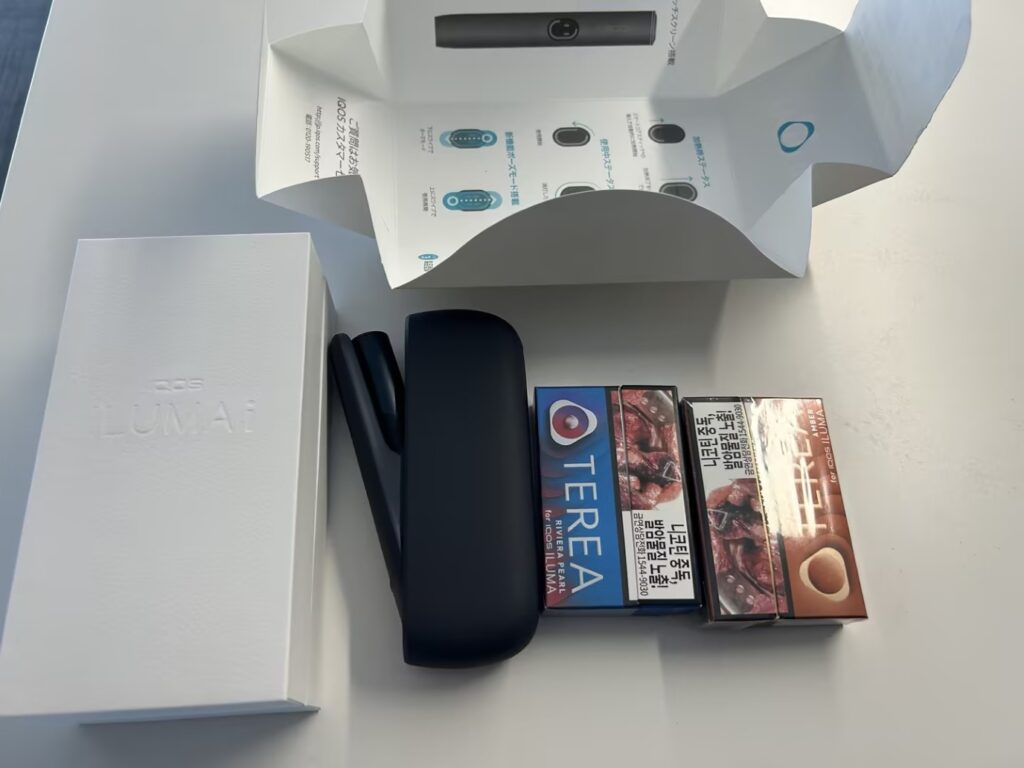
The other larger box contains the IQOS ILUMA i holder and IQOS ILUMA i Pocket Charger.
3. How to Use IQOS ILUMA i?
(1) Buy TEREA or LEVIA Sticks
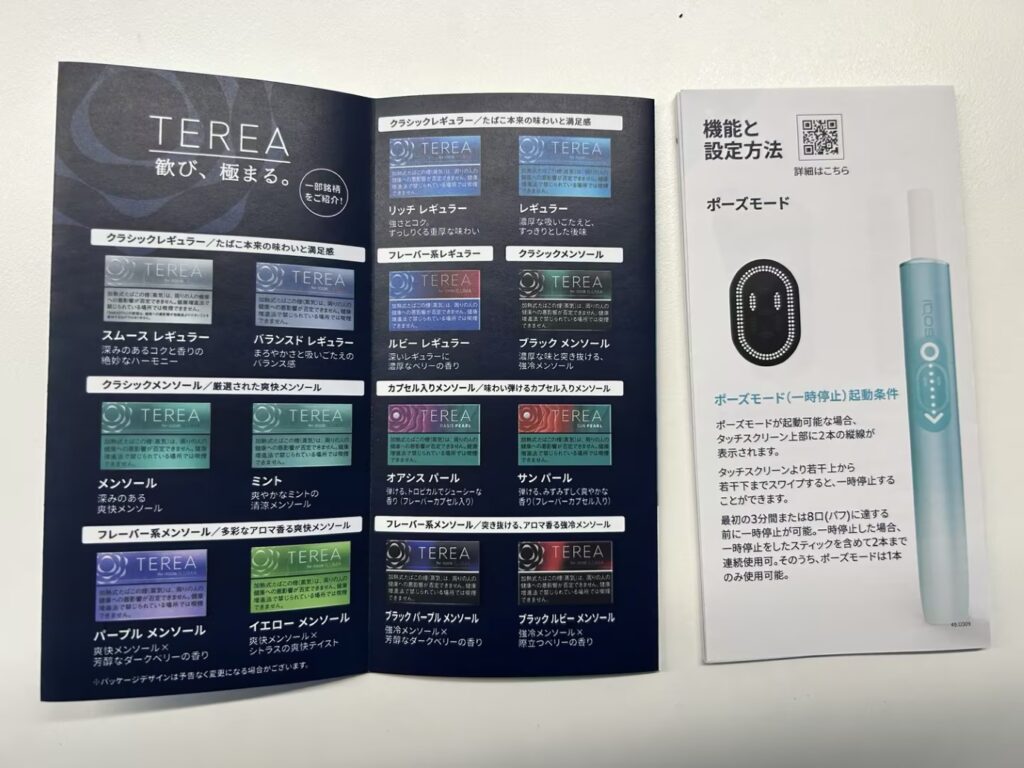
You can choose TEREA for heated tobacco flavors or LEVIA for a zero tobacco experience. TEREA sticks contain tobacco and LEVIA sticks are nicotine-free. After that, you should focus on your favorite flavors. After checking the flavor menu I found in the box, I chose TEREA AMBER and TEREA RIVIERA PEARL for the test.
(2) Turn on and Read Screen States
There is a button on the opposite side of the Type-C charging port. Press and hold it for 4 seconds, and the status light of the IQOS ILUMA i Pocket Charger will turn on.
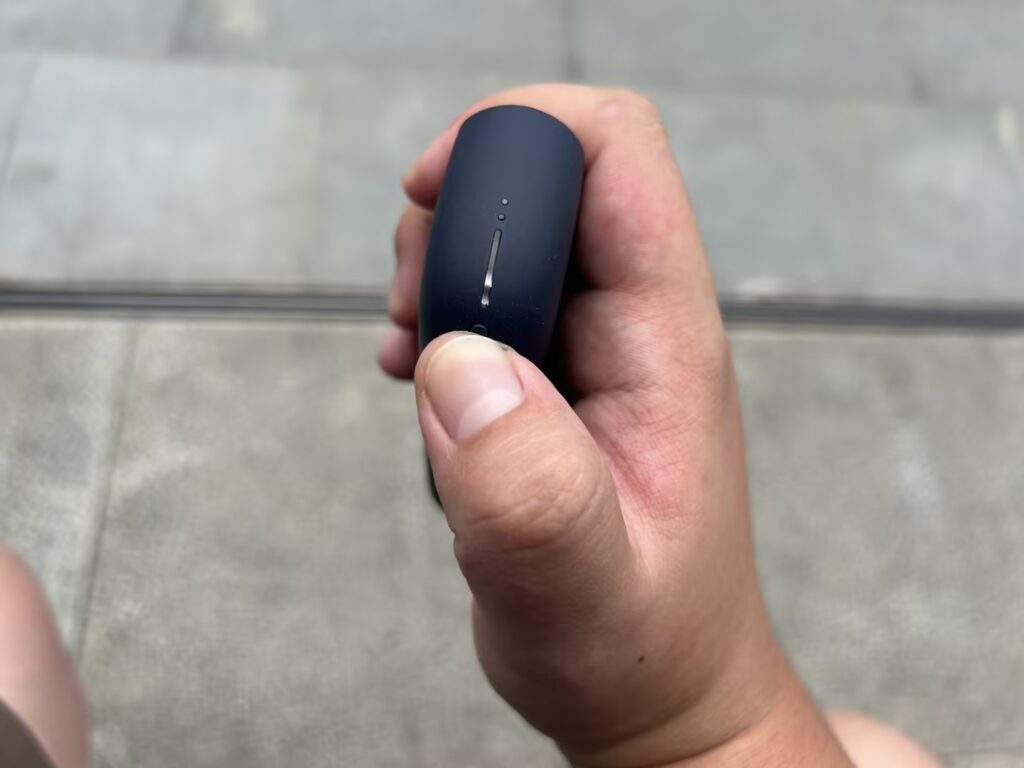
Hold the pocket charger with the status light above. Press the lower end on the other side of this IQOS device; the pocket charger opens, and you can pull the ILUMA i Holder out. There are 4 states of the holder, and you can find more about this from the IQOS ILUMA i user manual. Anyway, it shows two dashes here, and it means I can use two sticks consecutively without putting the ILUMA i Holder back into the charger.
(3) Heating & Puffing
All I need to do is insert one Terea SMARTCORE™ stick, and the heating starts automatically. It is indicated by a vibration. This is the first vibration you will feel. If it doesn’t start, you can swipe up on the touchscreen to start it manually. The light guide on the screen also shows you the heating in progress.
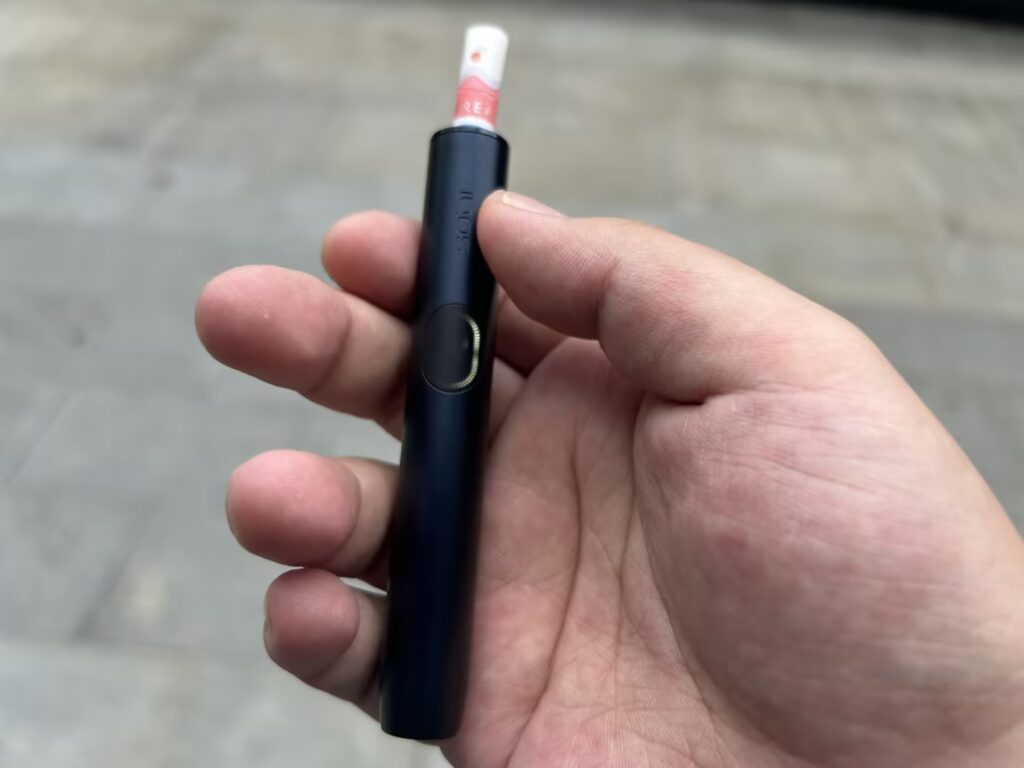
The second vibration invites me to take the first puff. At this time the light guide stops circling quickly. It slows circles anti-clockwise as time goes by or accelerates around the touch screen after I take more drags. The third and also the last vibration signals the last 30 seconds or last 2 puffs. I used to be a chainsmoker so I take more puffs and the first session ends at around 15 puffs.
4. IQOS ILUMA i Performance
I’ve tried other heat-not-burn devices before and find most of them disappointing. IQOS ILUMA i is a big surprise, and it’s the only heated tobacco product that suits TEREA sticks the best.
In terms of aerosol (smoke) density, I blow smoke almost as dense as what I get from a Marlboro. The first puff is good, and it doesn’t become weak till the end, around 15 puffs in total.
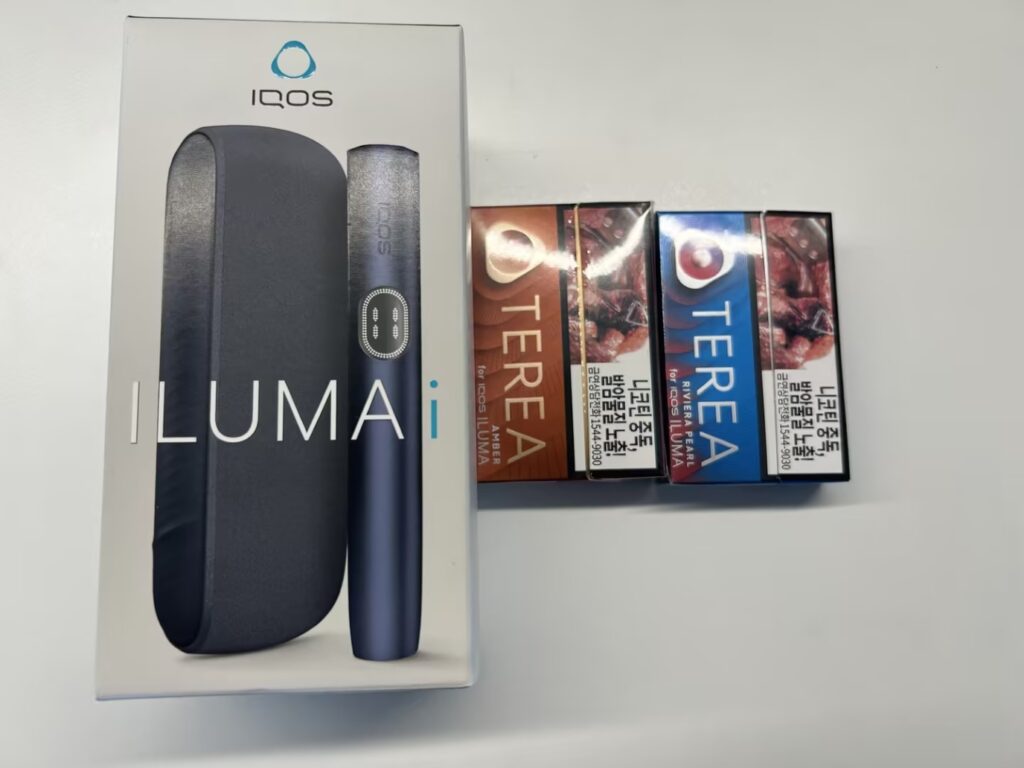
As to flavors, I tried TEREA Amber and TEREA RIVIERA PEARL. TEREA delivers classic tobacco flavor as usual, and this one can help a lot if you plan to quit smoking. The TEREA RIVIERA tastes a little fruity with the flavor capsule. But the flavor is not released evenly and stays on my lips for a while. So the PEARL series is not recommended.
5. IQOS ILUMA i Pause Mode
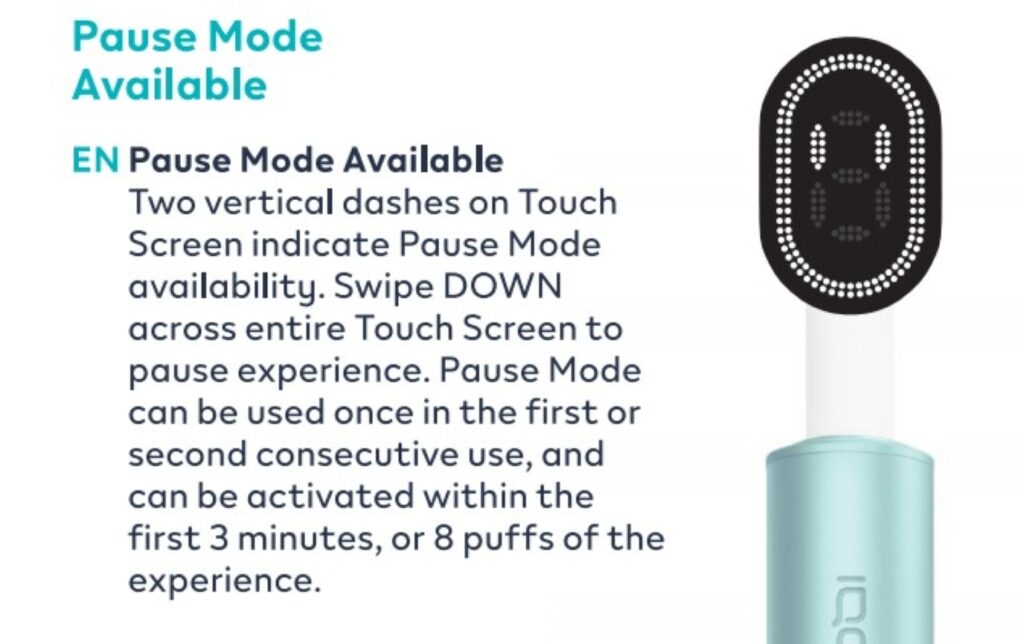
I have no mercy for anyone who dares to interrupt my smoking or vaping. Considerately, IQOS provides a Pause Mode for ILUMA i, and you can stop using it for around 8 minutes. You can activate it by swiping down the touchscreen and resume by swiping up. It is worth noting that the pause time will run out if you don’t resume, and the IQOS ILUMA i holder switches off automatically. After you swipe up the screen, you need to wait for the heating to complete. A vibration will be the signal to resume using your stick.
6. My Opinions
IQOS ILUMA i paired with TEREA sticks gives me the closest experience to smoking, and it doesn’t leave strong odors on me. One stick or two each time works perfectly as a cigarette for me. The ILUMA holder is not too hot to hold in hand even after use, but you MUSTN’T touch the heating chamber of ILUMA i. If you plan to quit smoking, IQOS ILUMA i is the best replacement in terms of tobacco flavor, adequate vapor, product quality, and after-sales service.
FAQ
How to Charge IQOS ILUMA i?
First, make sure you get the right version of IQOS ILUMA i that can withstand the domestic supply voltage. Read the warnings and instructions before charging it. Then use a Type-C cable to charge the IQOS ILUMA Pocket Charger with the holder inside.
How to Turn Off IQOS ILUMA i?
After using up a stick, the holder stops heating automatically and you can place it into the IQOS ILUMA pocket charger.
How Does IQOS ILUMA i Work? (IQOS ILUMA i Come Funziona)
IQOS heated tobacco devices heat real tobacco rather than burning it, offering an innovative smoking alternative.